March 30, 2026
Importing Raw Health Data into MedM Diary from a CSV File
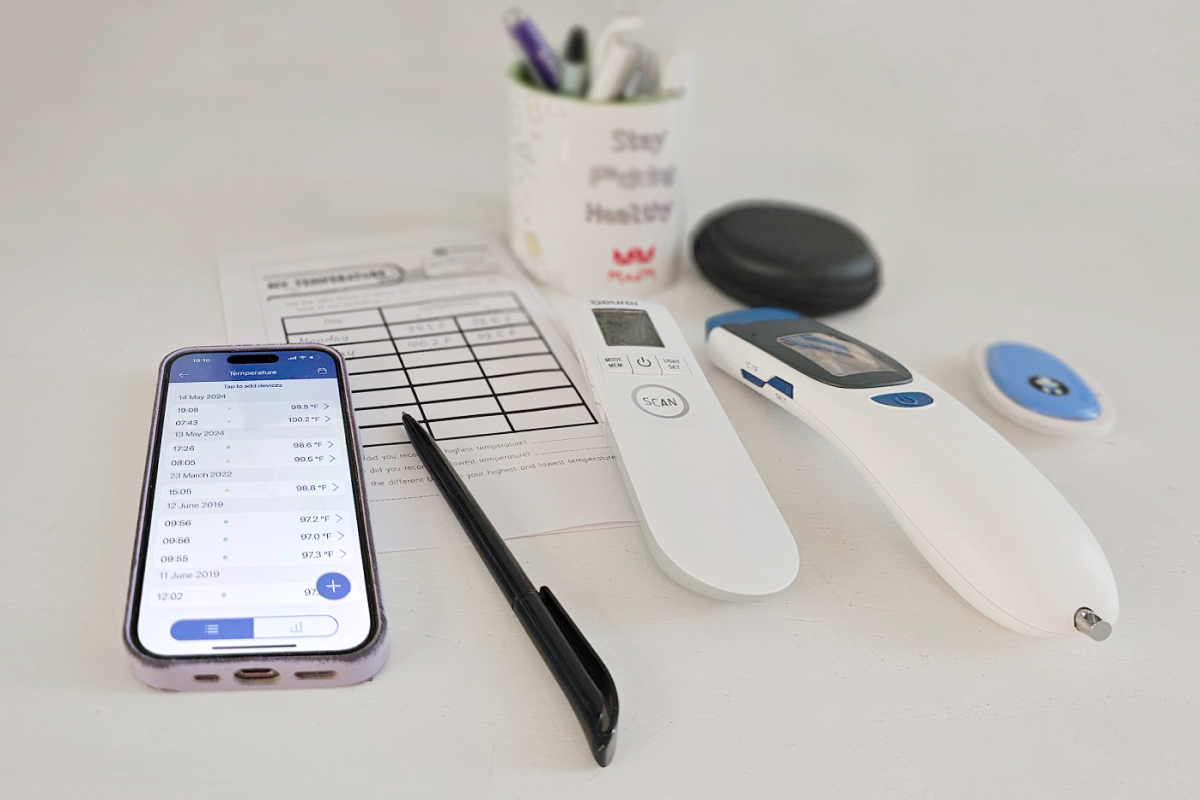
Users who track their health & wellness over time may rely on various tools — from mobile apps with limited data sync options to spreadsheets or even handwritten notes. MedM support team regularly receives requests from users who wish to import historical raw data into their MedM health record.
This blog post describes how to import personal health data into MedM from a CSV file. If this option proves popular following this publication, MedM plans to develop manual data import into an automated feature. CSV data import into MedM enables users to digitize and centralize previously scattered or manual records.
From Spreadsheets and Notes to Structured Health Records
Health data recorded in notebooks, spreadsheets, and legacy apps is valuable, but often difficult to analyze or share. By converting such records into CSV format and importing them into MedM health records, users can:
- Preserve historical data and continuity
- Improve visibility with charts and trends
- Enable easy online access and data sharing
- Export data to Apple, Google, and Samsung ecosystems
How to Convert Your Health Data to CSV
If your data is not already in CSV format, it can be prepared in two ways:
- Export data from another app (if supported)
- Manually enter records into a spreadsheet (e.g., Excel or Google Sheets), including key fields such as date and time, and measurement values (e.g., blood pressure, glucose, weight)
How to Import CSV Data into MedM Health Record
To upload historical data into a MedM health record:
- Prepare a CSV file
- Send a data upload request to support@medm.com from the email address associated with your MedM account (this helps avoid additional verification)
- After the request is processed, review and confirm the accuracy of data in the health record
What Data Types Can Be Imported?
CSV import can be used for a wide range of health data, including:
- Blood pressure (for hypertension management)
- Blood glucose (for diabetes management)
- Weight and body composition
- Activity and sleep
- Body temperature, respiration rate, SpO2, heart rate and more
Full list of supported measurement types can be found here: https://www.medm.com/apps/health.html
When CSV Data Import is Useful
While many modern health platforms support direct data synchronization, not all apps provide this functionality. CSV import may be especially useful for users who:
- use apps without integration with Apple Health, Google Health Connect, or Samsung Health
- track measurements in Excel or other spreadsheets
- keep manual health diaries or handwritten logs
- want to consolidate data from multiple sources into one system
For these users, CSV becomes a simple and universal format for transferring data.
Benefits of Moving to MedM Health Monitoring Platform
MedM Health Diary provides:
- tracking of 30+ health parameters
- compatibility with 900+ connected devices
- structured health records with charts and trends
- ability to combine manual, imported, and device-collected data
- data export and sharing options (Premium)
Users can continue tracking new measurements while preserving their full health history.
Import CSV Health Data into Apple Health, Google Health Connect, or Samsung Health via MedM
Many users are looking for ways to import health data from CSV files into platforms like Apple Health, Google Health Connect, or Samsung Health. While tools exist for Apple Health, similar solutions for other ecosystems are limited or fragmented.
MedM Health Diary can be used as an intermediary step. Users can first upload their historical data from a CSV file into their MedM health profile by contacting MedM support. Once the data is available in MedM, it can then be synchronized with connected ecosystems such as Apple Health, Google Health Connect, or Samsung Health (a MedM Premium feature).
This approach provides a practical way to move data from spreadsheets, unsupported apps, or manual records into widely used health platforms, even when direct CSV import is not available.
Start Using MedM Health Diary Today
MedM Health Diary provides a unified platform for personal health monitoring, combining historical data, connected devices, and manual tracking in one place.


